

Reset your password
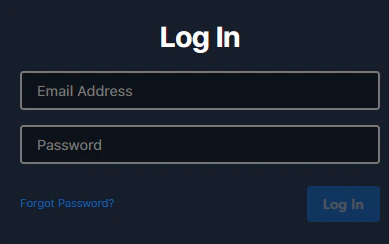
Go to the login page
Visit platform.pixwel.com and click Forgot Password?
Follow the email
You’ll get an email from notifications@pixwel.com with the subject Password reset and a link to set a new password.
Request credentials for a new team member
New accounts require approval from your studio’s Head Office, so credentials are requested through the Pixwel team rather than self-served. Email platform@pixwel.com with:- The person’s full name
- Their title and position details
- Whether they’re replacing someone who left — and if so, who
- When the credentials are needed