

Pixwel Email
Templates
Template emails are stored in /api/mails.Testing
You can test email with maildev on demo and development. Staging emails are sent to maildev on the Jenkins server at http://stagingmaildev.pixwel.com/Batching
Mails are batched up and sent using the SendEmails command. Until this is triggered, nothing gets sent, unless that type of Email notification is set to immediate: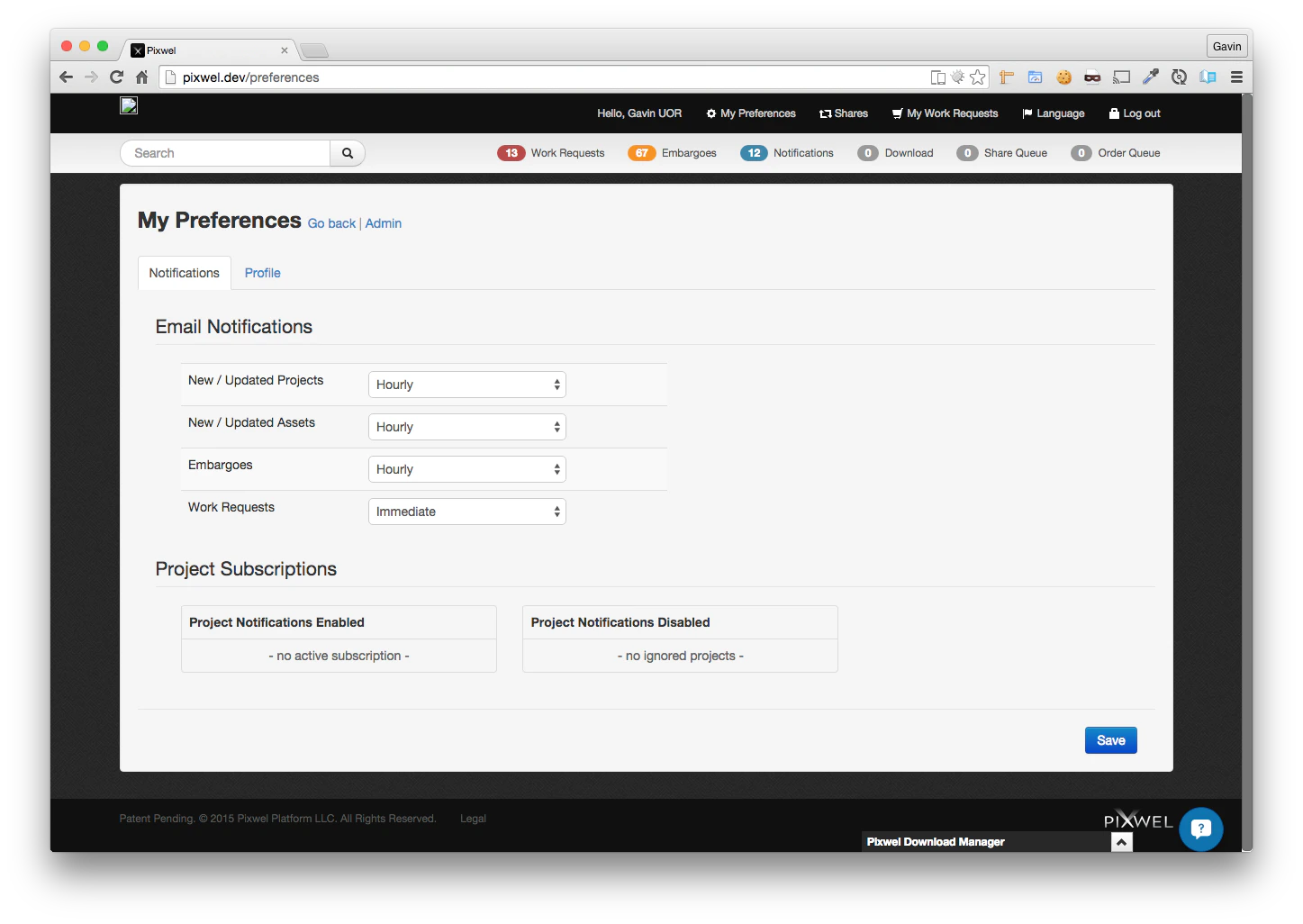
Queues on docker
Docker runs the same services as any other environment. Do be aware, however:- If you’ve cloned the production database, there might be massive queues of events to process that you don’t want to run.
- You might prefer to run the commands directly in the console so you can see what’s going on in real time
Back to docs index | Next page in recommended reading order >>