A file is the real, downloadable thing — an encoded video, an image, a subtitle file, a document. Files are where localization actually lands: each file can carry a language (a three-letter code like ENG) and a country (a two-letter code like UK), so a single asset accumulates many files as it’s localized and encoded for different markets. A file is always attached to a project, and usually attached to an asset — but not always. A project logo or a stray imported document can live directly under the project with no asset.
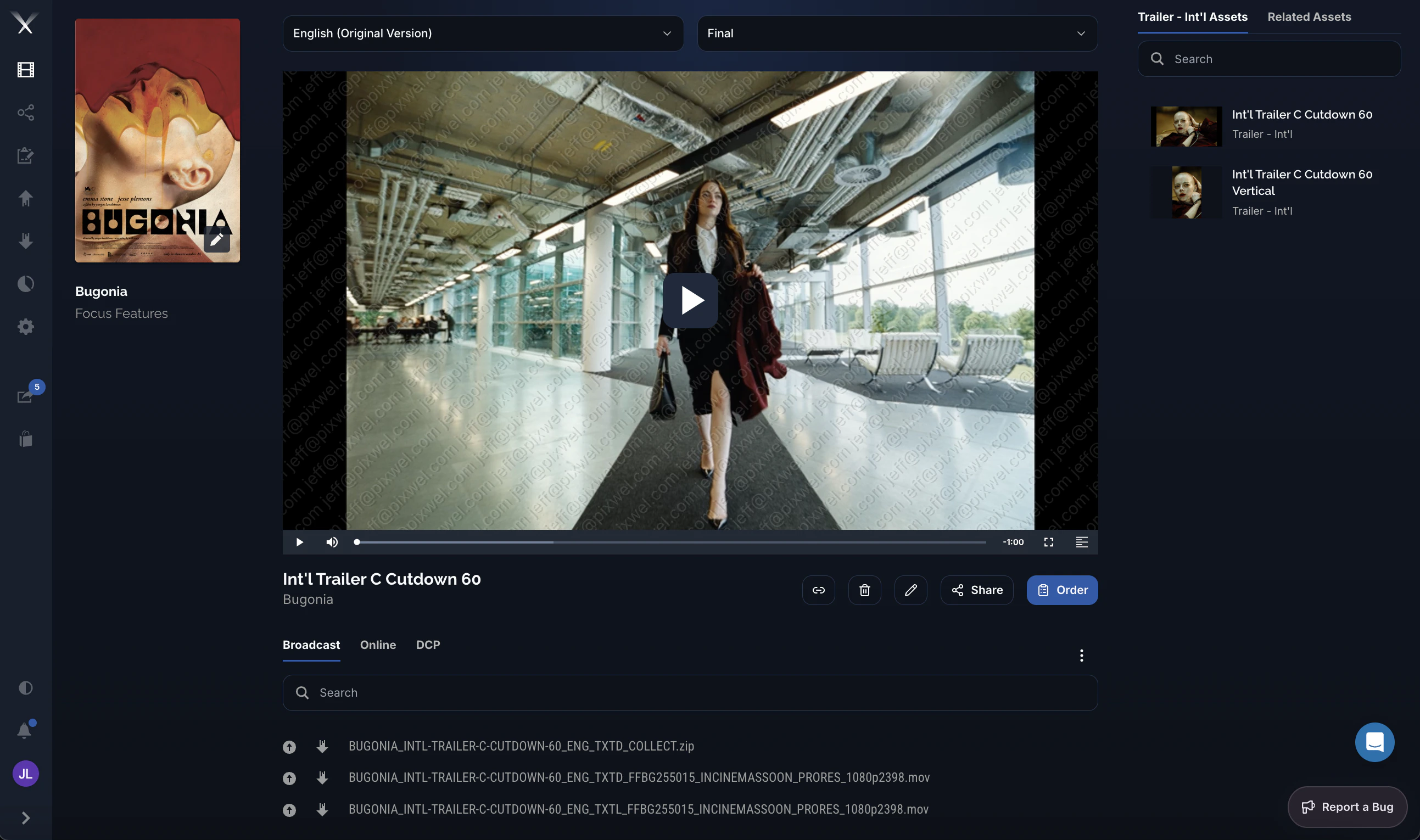
The asset page with the video player and downloadable files grouped by usage
From the asset page you select a language and version (for example English (Original Version) / Final), preview the asset in the player, and download the underlying files. Files are grouped under usage tabs — Broadcast, Online, and DCP — and each row has a download control. From here you can also Share or Order (place a work request) for the asset. For how to actually download files — including embargoes and Aspera — see the Downloading files guide.